Payouts
Work with the fixed recipient list and original item operations.
Step by step
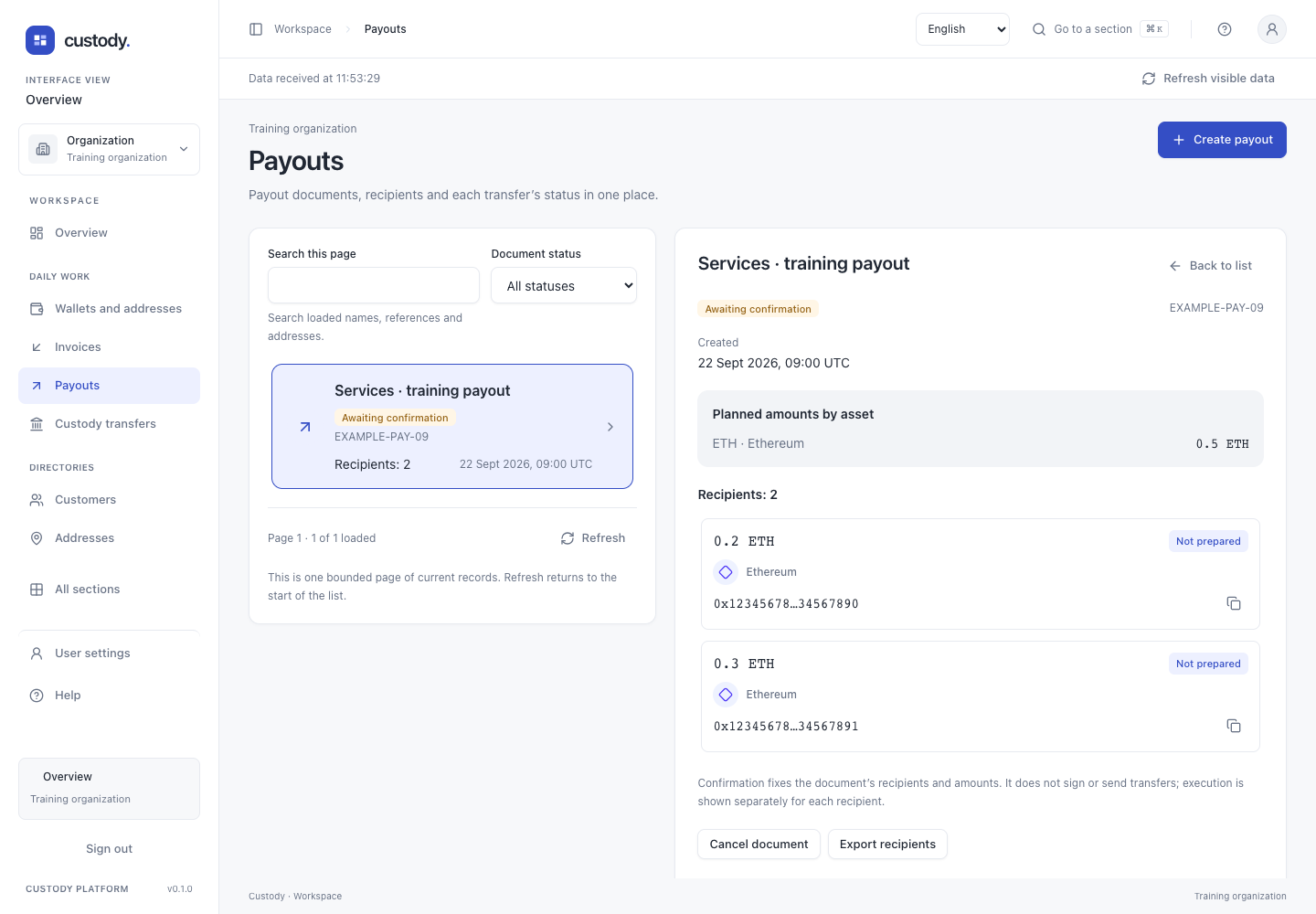
- Open Payouts. Search covers the current page; Document status filters on the server. Select a document to see its recipients and planned amounts.
- Read each asset total separately. Confirmation fixes a document; it does not sign or send transfers. Recorded per-recipient execution is shown separately.
- The permitted creator can cancel a document awaiting confirmation. Confirm is offered only with the corresponding access. Neither action appears in member preview.
- Technical references keeps IDs and atomic units. More tools → Advanced operations opens detailed tools without changing your saved view.
- On a phone, selecting a row moves focus to its details. Back to list restores focus to the selected row.
From document to execution
Create the document from the group’s current version after checking its recipients. Confirmation fixes the exact snapshot; later group edits do not rewrite this Payout.
Available preparation requires the original confirmer, exact document hash and separate transaction permissions. Select a source and fee budget for each item. Selected preparation is bounded to 1–10 items.
Preflight is advisory; it neither reserves nor signs and does not guarantee aggregate liquidity across networks. After preparation, inspect each exact request, sign externally and use the available submission action.
The queue shows each item’s stored state. Recover a lost response using original ItemIDs and keys. Do not create a new Payout to repeat an already prepared document.
Working details
To create a payout, select the recipient group. The form reads its current version; every recipient needs a positive planned amount. Enter name and reference, review and confirm with your security key. Creating or confirming the document sends no funds. An unknown result must retain the original request and key; never create a replacement to retry.
Interface