Getting started
Choose an organization and find the work you need.
Step by step
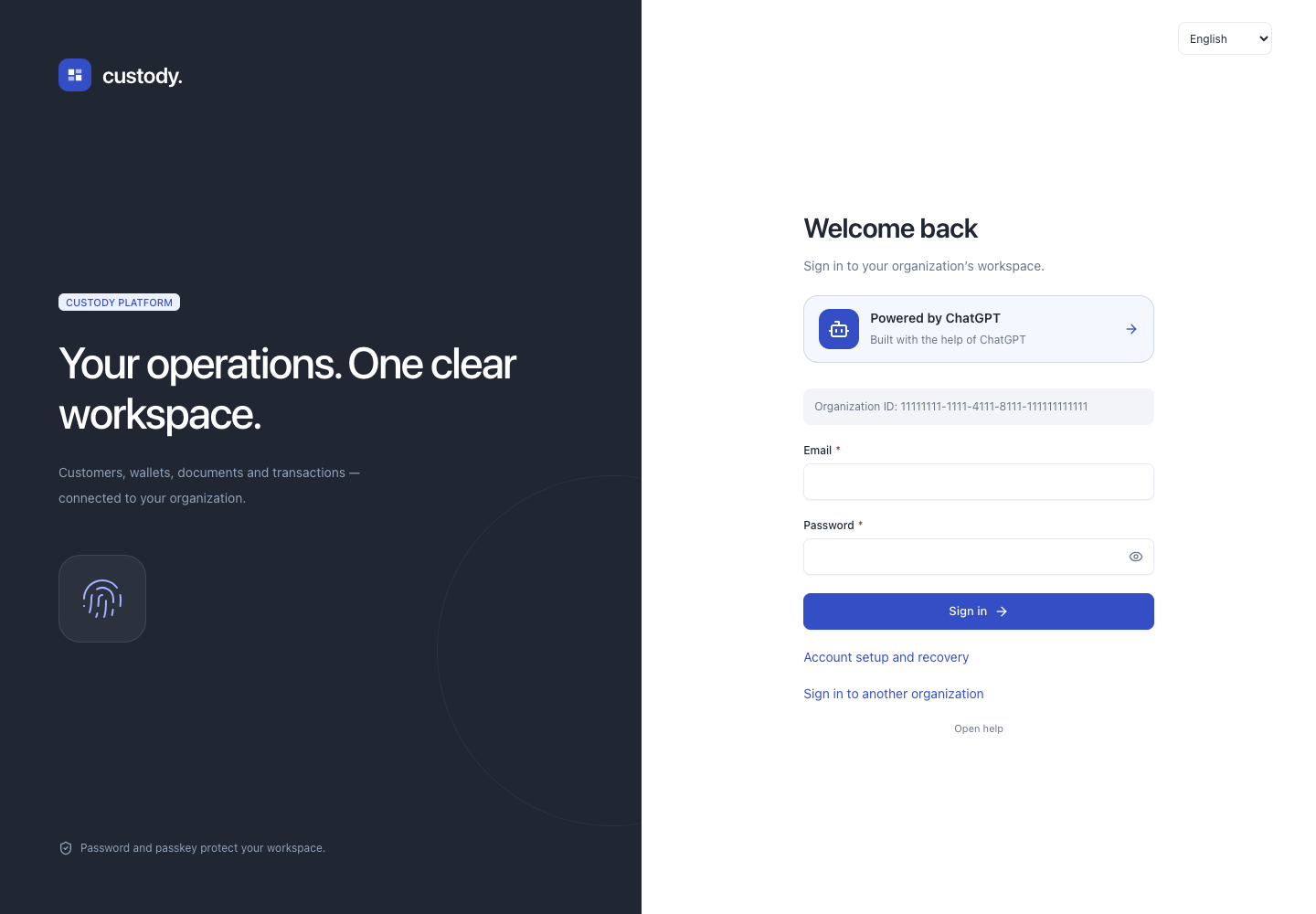
- Open your organization’s link (/app/UUID/login). If you do not have it, enter the organization ID supplied by its administrator on the sign-in page.
- Sign in with your email and password, then confirm with your security key or device.
- Choose an organization. If the list is empty, accept your invitation and refresh it. Signing in alone does not create a membership.
- Overview presents permitted records, useful shortcuts and charts. Use All sections or Ctrl/⌘ K for the complete set of tools.
- Choose and save your preferred workspace in User settings. Administration retains detailed configuration; daily views focus on your work.
- Use Add public address to track an existing crypto address: select the correct network, paste the public address and give it a label. Availability depends on access; this does not create keys or spending authority.
- The workspace fills the window. Navigation and lists scroll independently. The mobile menu contains organization selection and sign-out. The profile icon opens User settings.
Interface